Unity • First-person Adventure
Skipper’s Boardwalk
I developed Skipper’s Boardwalk from scratch in Unity after our programmers left two months in. I led programming to a complete game for Level Up ’24 and built the game’s core systems, minigame framework, menus, UI, and lighting.
Programming Lead
Unity 2022.3.7f1
Windows (KB/M)
WebGL Lite on itch.io
Level Up ’24
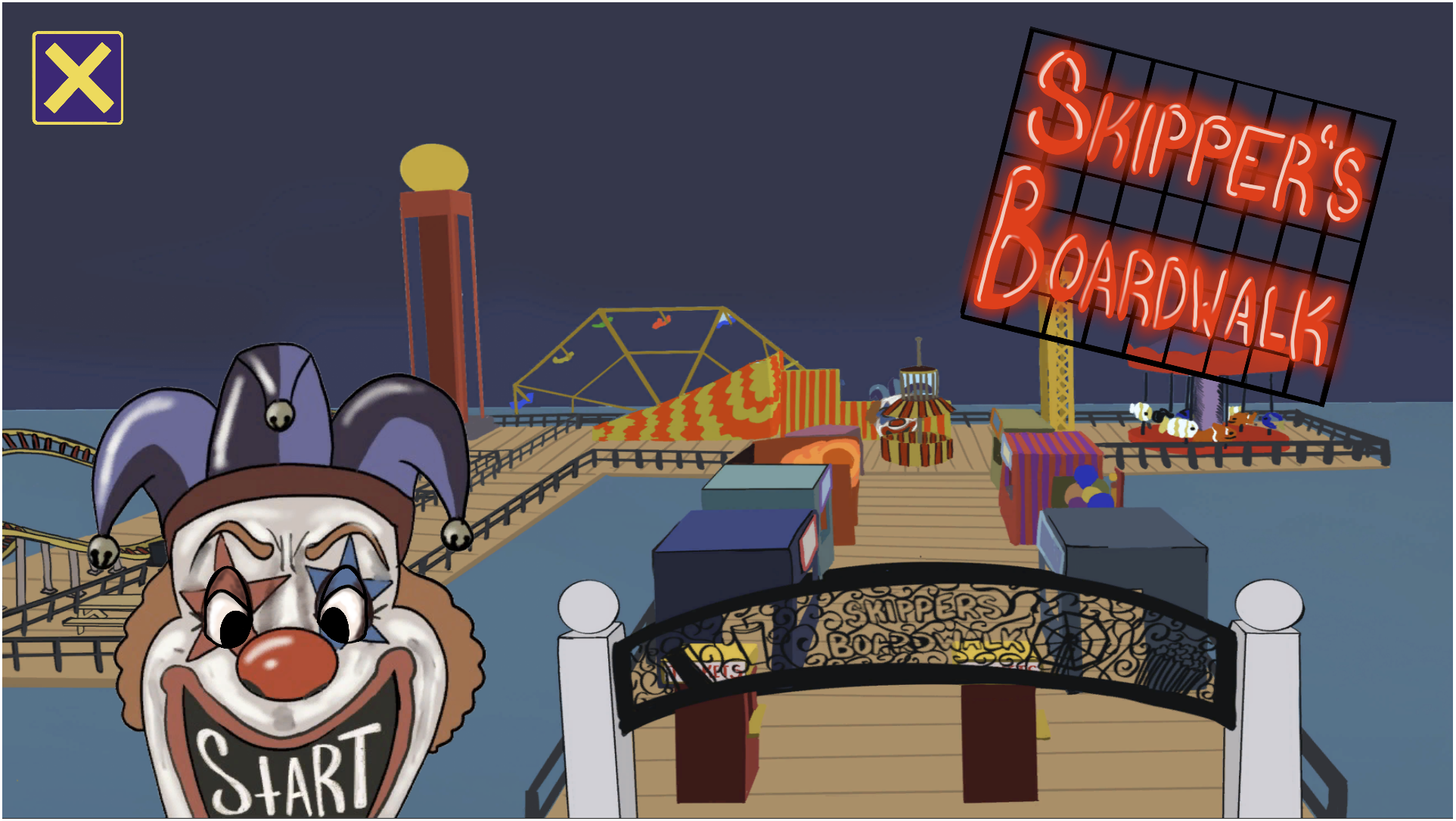
Play the WebGL slice
The embedded build only loads on desktop browsers so phones and tablets stay stable. Tap below to open itch.io instead.
Open on itch.io ↗
Play the lightweight WebGL slice here (Hub + showcase minigame). For the full build, use the Windows download on itch.
On mobile, use the button above—loading the embedded build was crashing mobile browsers.
Quick Facts
Core LoopTwo brothers enter an abandoned amusement park; a ghost kidnaps the younger. Explore, complete carnival-style minigames, and gather clues to rescue him.
Session LengthShort chapter-style sessions; minigames punctuate exploration for show-floor pacing.
Key Systems I BuiltPlayer movement/interaction, Game & state manager, 2D-in-3D minigame framework, Menus & UI canvases, Lighting, Project/Build settings.
Audience & ToneStory-led exploration with light puzzles and a moody “night carnival” vibe.
Problem → Goals → Constraints
Problem
Two months into the capstone, the team had no programmers. The build had stalled at greybox, but the Level Up ’24 deadline was fixed.
Goals
- Stand up a playable vertical slice in Unity.
- Make minigames readable, responsive, and easy to retry.
- Keep code simple and shippable as a first-time Unity developer.
Constraints
- Solo engineering on Windows (keyboard/mouse).
- Integrate existing 3D/2D assets; build all gameplay systems from scratch.
- Event hardware performance and short demo sessions.
Core Systems Overview
Traversal & Interaction
- Smooth first-person controller with sprint/crouch tuned for narrow boardwalk paths.
- Clear on-screen prompts at stalls and doors; consistent interact key.
- Cursor/focus logic prevents input traps on pause or minigame entry.
State, Scoring & Progression
- Tickets and progress persist reliably; clean reset for kiosk use.
- Central flow handles minigame results, payouts, and dual ending gates.
- Scene order follows the demo: Main Menu → Hub → Minigames → Endings → Credits.
Minigame Framework
- Shared base handles entering/exiting, prompts, and camera/controls handoff.
- Throw-based games use a simple, tunable system for aim/throws and success feedback.
- World-space UI pauses hub interactions, then cleanly returns control.
UX & Presentation
- Main menu, slideshow, pause, settings, and credits with smooth fades.
- Night-carnival lighting balanced for readability and performance.
- Simple audio cues for win/lose without overpowering narration.
Screens & Menus
Main Menu: Fade-in hook, start/new game, credits.
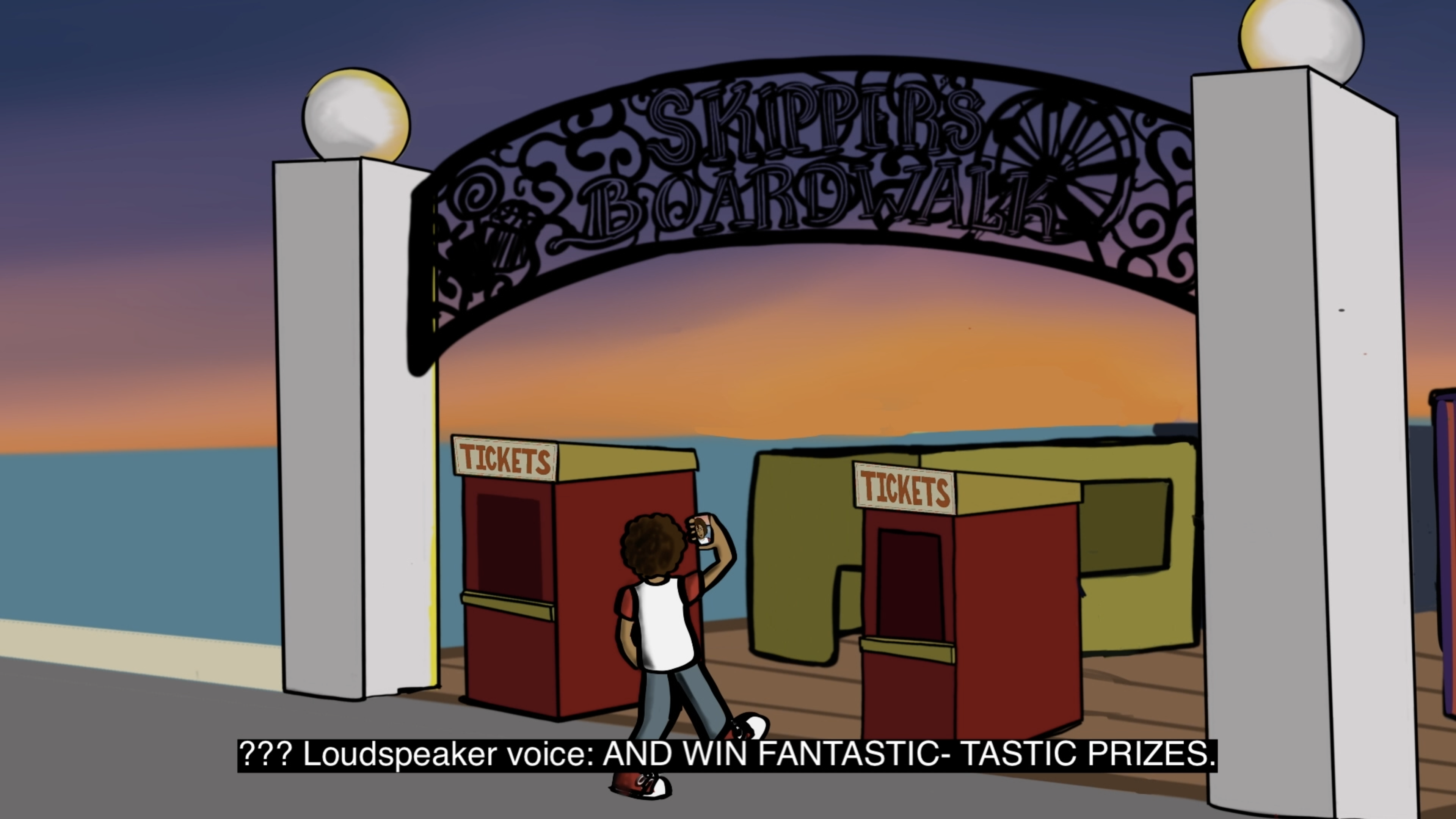
Slideshow (pre-game): A short prologue reel that sets the story before the first playable area.
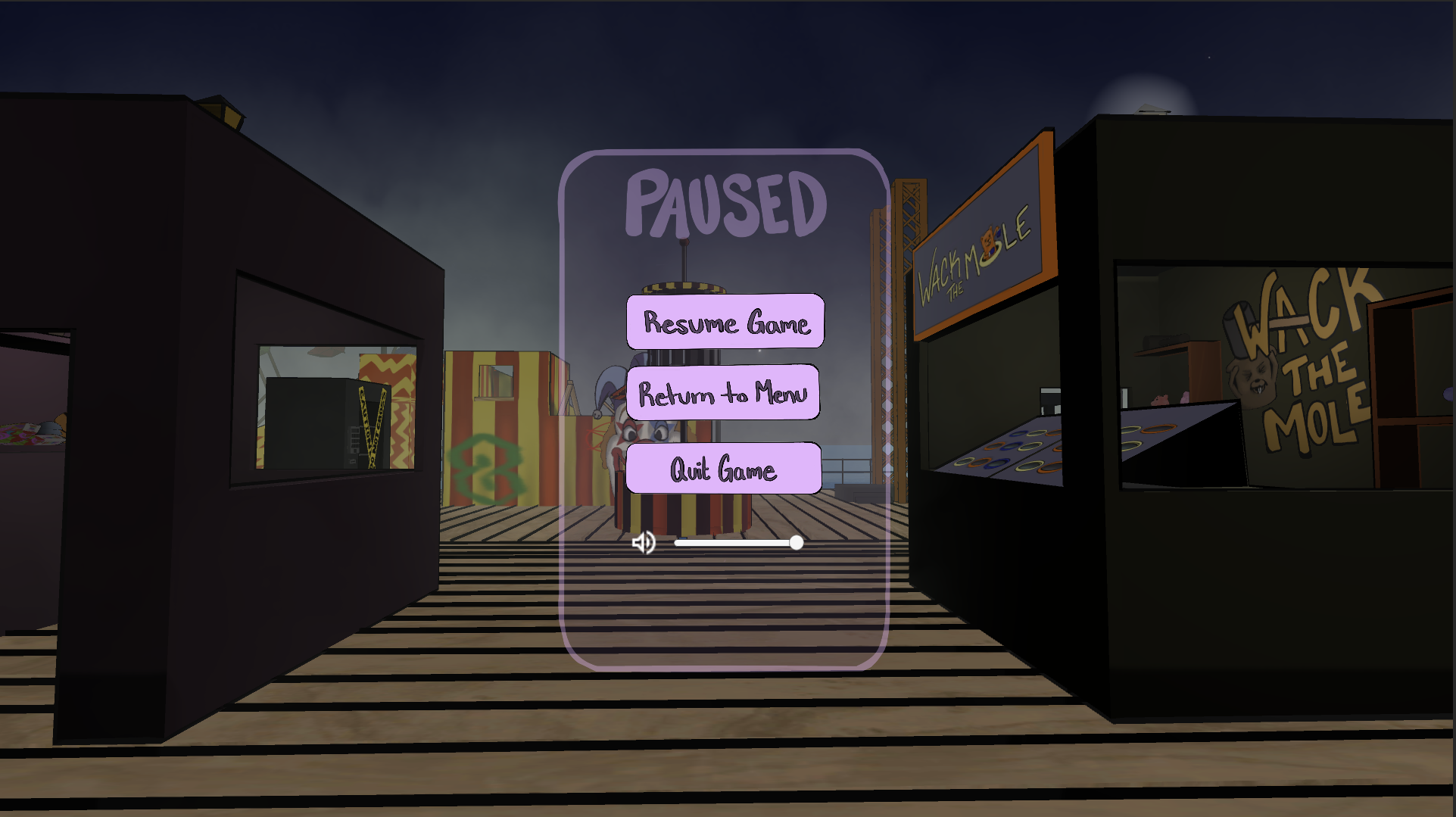
Pause: Time stops, cursor unlocks; resume, settings, quit with clear keyboard reminders.
Wireframes & Flow
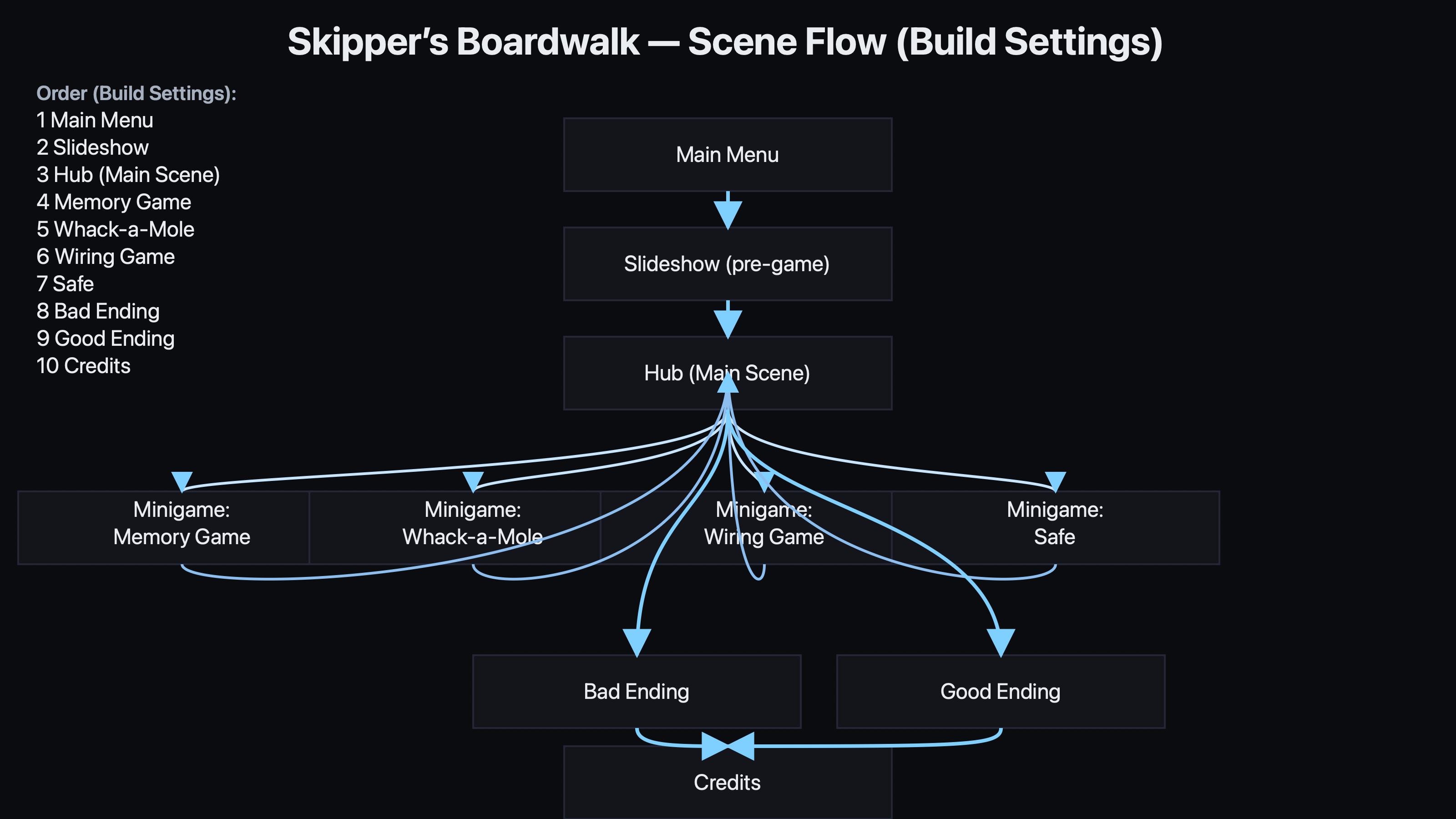
Player loop: Start → Explore Boardwalk → Minigame → Payout → Gate → Ending.
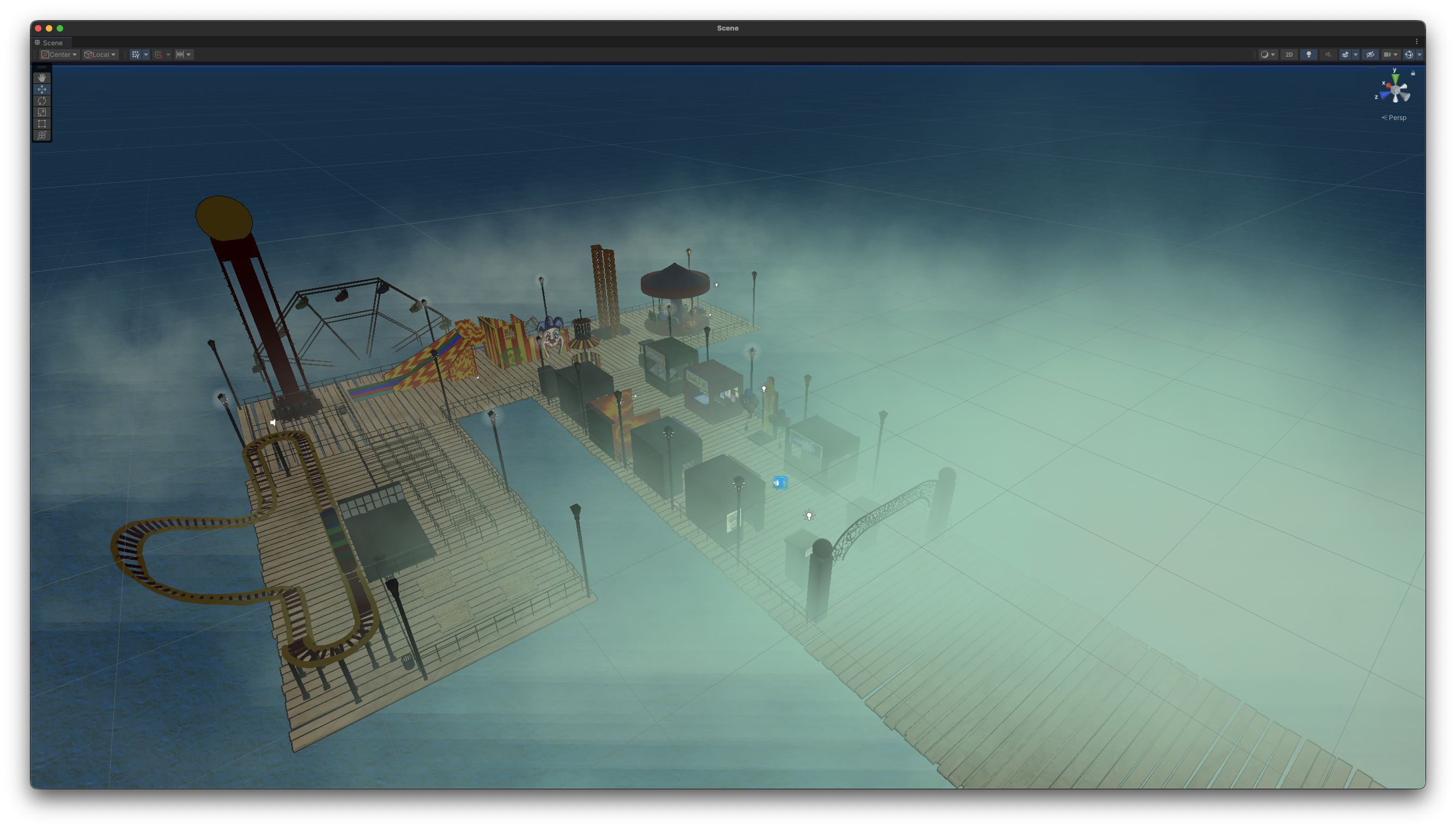
Hub layout for quick legibility at show-floor distances.
Implementation (Unity)
What I Built
- Player & Camera: Smooth FP controller tuned for ramps/tight spaces; adjustable crouch height.
- Game Manager: Scene/state flow, minigame enter/exit, payouts, reset logic.
- Minigame API: Shared base keeps input/prompts/feedback consistent.
- UI: Start/Settings/Pause; anchors/pivots; prompts; audio sliders.
- Lighting: Readable “night carnival” look on event laptops.
- Builds: WebGL Lite + Windows download, editor helpers for capture.
Code Receipts (snippets)
// Minigame enter/exit (simplified)
public enum GameState { Hub, Minigame }
public class GameManager : MonoBehaviour {
  public static GameState State;
  public void EnterMinigame(IMinigame m) {
    State = GameState.Minigame;
    UI.ShowPrompt(m.Instructions);
    m.Begin(() => ExitMinigame(m));
  }
  void ExitMinigame(IMinigame m){
    Tickets += m.Payout;
    UI.HidePrompt();
    State = GameState.Hub;
  }
}
Representative structure only — full code in repo; kept small here for readability.
Onboarding / Level Loop
Hero reel (30s): Menu → Hub → Minigame run → Payout → Gate → Ending.
Show-floor Friendly Loop
- Guided cold-open: fade-in, VO hook, objective card.
- Large floating prompts at kiosks plus breadcrumb lighting down the pier.
- Minigames hand back keyboard/mouse focus instantly; payout pops reinforce progress.
- Padded gate timing lets staff narrate without pausing the build.
Stylized Toon Shader Pass
Look Dev Goals
- Preserve spooky boardwalk silhouettes without muddy mid-tones on event laptops.
- Single directional key light + rim fill feeds a 3-step toon ramp for crisp edges.
- Shader exposes emissive boost per-prop so signage pops when the sun cycles.
Before → After
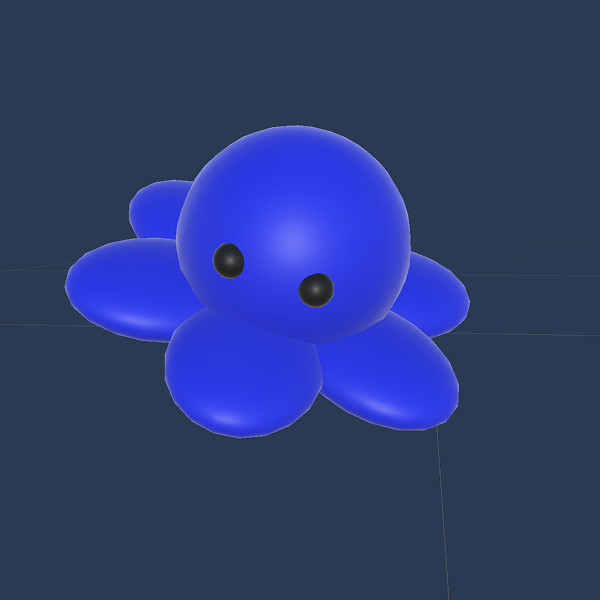
Before
After (Toon Shader)
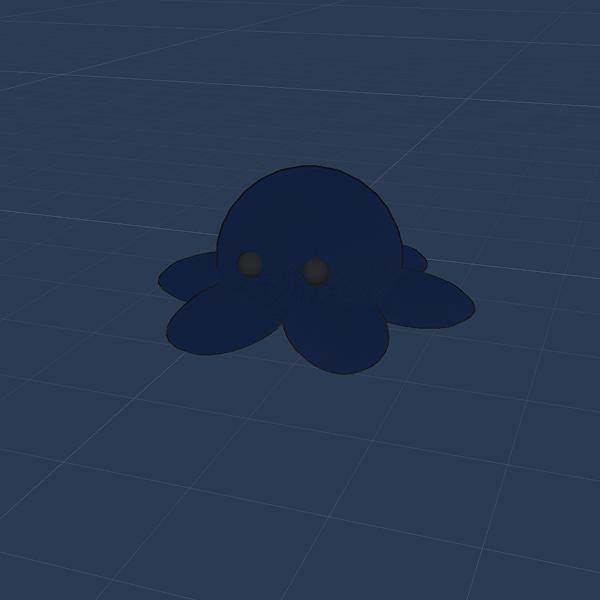
Custom toon shader clamps diffuse lighting, adds stylized rim, and keeps emissive signage sharp for night-carnival readability.
Results & Next
Delivered
- Playable vertical slice for Level Up ’24.
- Stable kiosk loop; quick restart; readable minigames.
- Browser-ready WebGL slice + downloadable Windows build.
Next
- Input remapping; gamepad support in Windows build.
- Basic telemetry for minigame completion/time-to-first-task.
- Accessibility pass (subtitles presets, color-contrast tweaks).