Party Flying • 4P
A.R.F. SQUAD
I owned the moment‑to‑moment UX for a 4‑player split‑screen aerial party game: HUD, feedback, controller focus, and onboarding. Built for sofa‑distance readability and nonstop momentum in 90‑second rounds.
Role: Technical UI/UX
Team: 10–13
Engine: Unity (Input System, TextMeshPro, URP)
Platform: Local 4‑player (TV)
Level Up ’25
The Buggy Room Studios ↗
View project ↗
itch.io ↗
Hero reel (30s): 4‑way split gameplay → sausage cut → boost meter → score tick → end‑round.
Quick Facts
Core LoopSlice rivals’ sausages with your propeller; protect your own. Longest link at time‑up wins.
Round Length~90 seconds; countdown announcer; fast rematch loop.
Key SystemsBoost (short, tactical); Kibble pickups (refill); Wind areas (push); Collision leniency to keep momentum.
AudienceCouch multiplayer; family‑friendly; “Goofy, Party, Fun!” tone.
Problem → Goals → Constraints
Problem
Make 4‑way split‑screen air combat instantly readable on a living‑room TV—without weapons—so new players grasp cut/boost quickly.
Goals
- Clarity at a glance: sausage length, boost, rival direction, round clock.
- Constant momentum: no dead‑ends; short boosts with legible cues.
- Party vibe: toy‑box UI language; bold feedback.
Constraints
- 4‑player split on single TV (sofa distance readability).
- Short, hype rounds with clear end‑state.
- Non‑violent aesthetic; dogs + toys theme.
HUD Overview
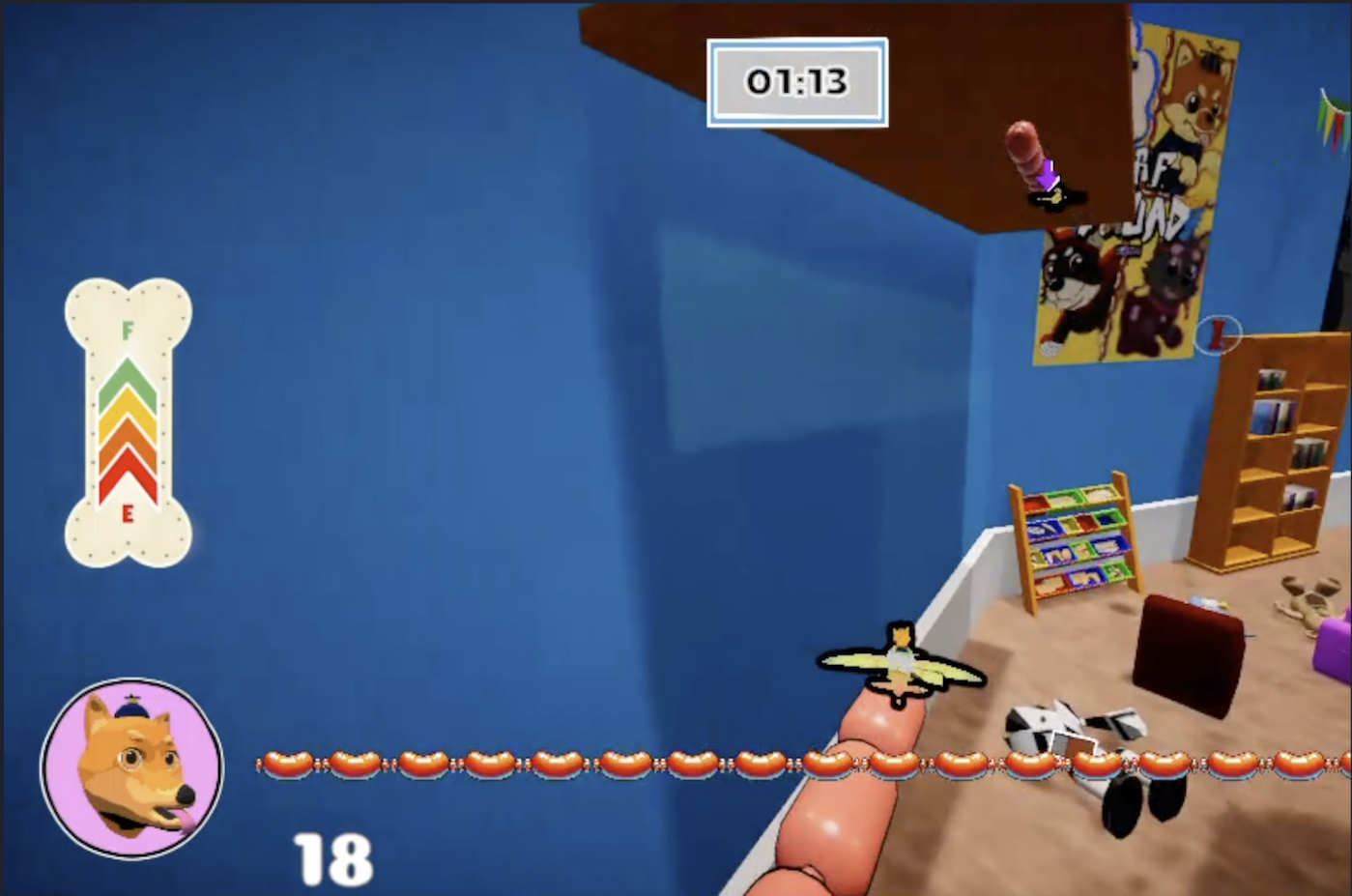
Per‑player HUD in quadrant: Boost bone (bottom‑left), Sausage score, Rival indicator near plane, and Round clock.
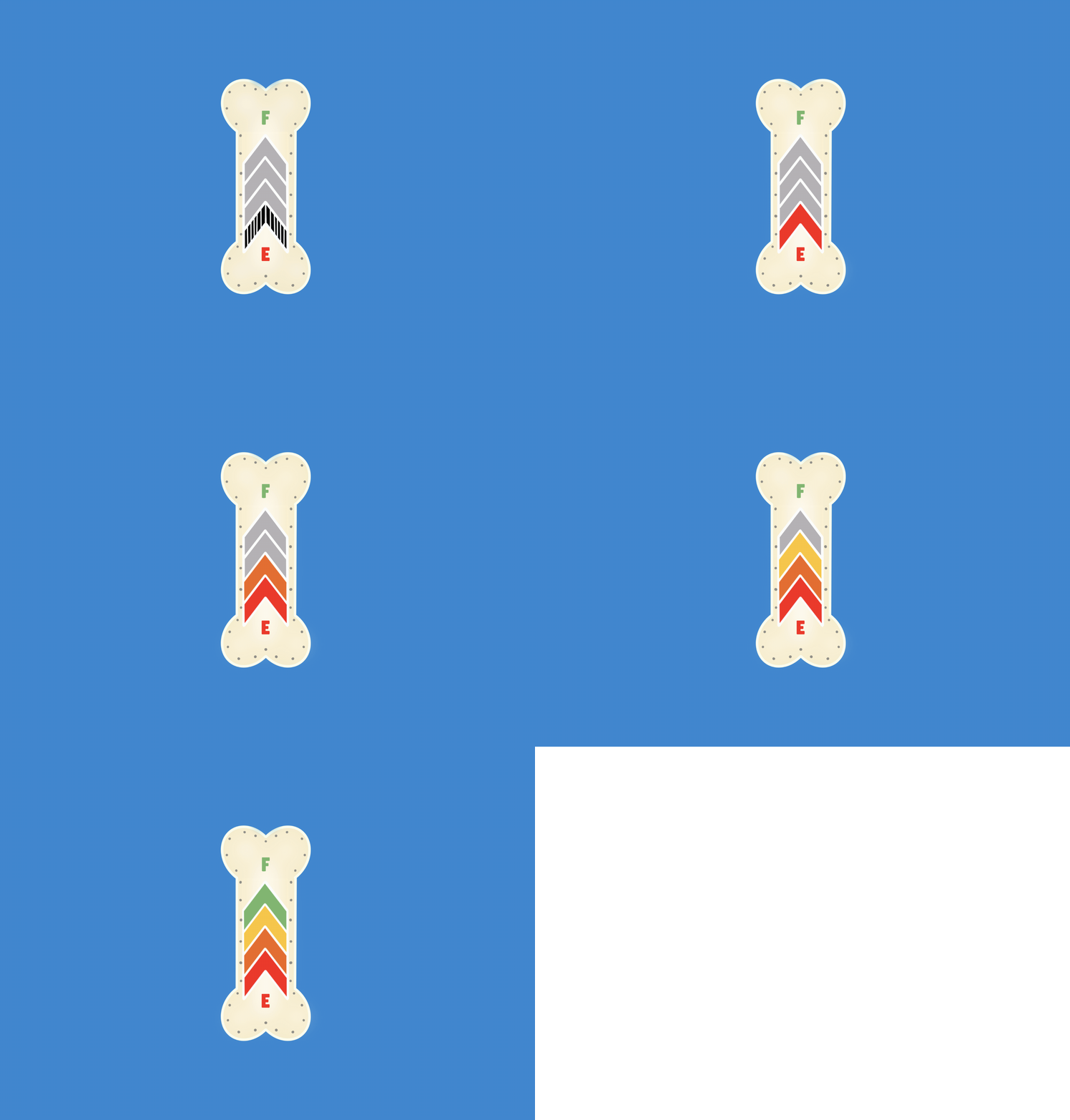
Implemented Boost meter logic (ready→use→cooldown), wired to gameplay; added arc + label after players missed cooldown.
Bone gauge drains on use
Kibble pickup +25%
Cooldown arc sweep
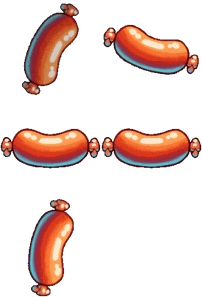
Sausage score: implemented gain/loss UI & animation; glance‑compare progress vs. rivals.

Rival indicators & arrows (world‑space UI) reduce camera search; tuned placement near reticle.
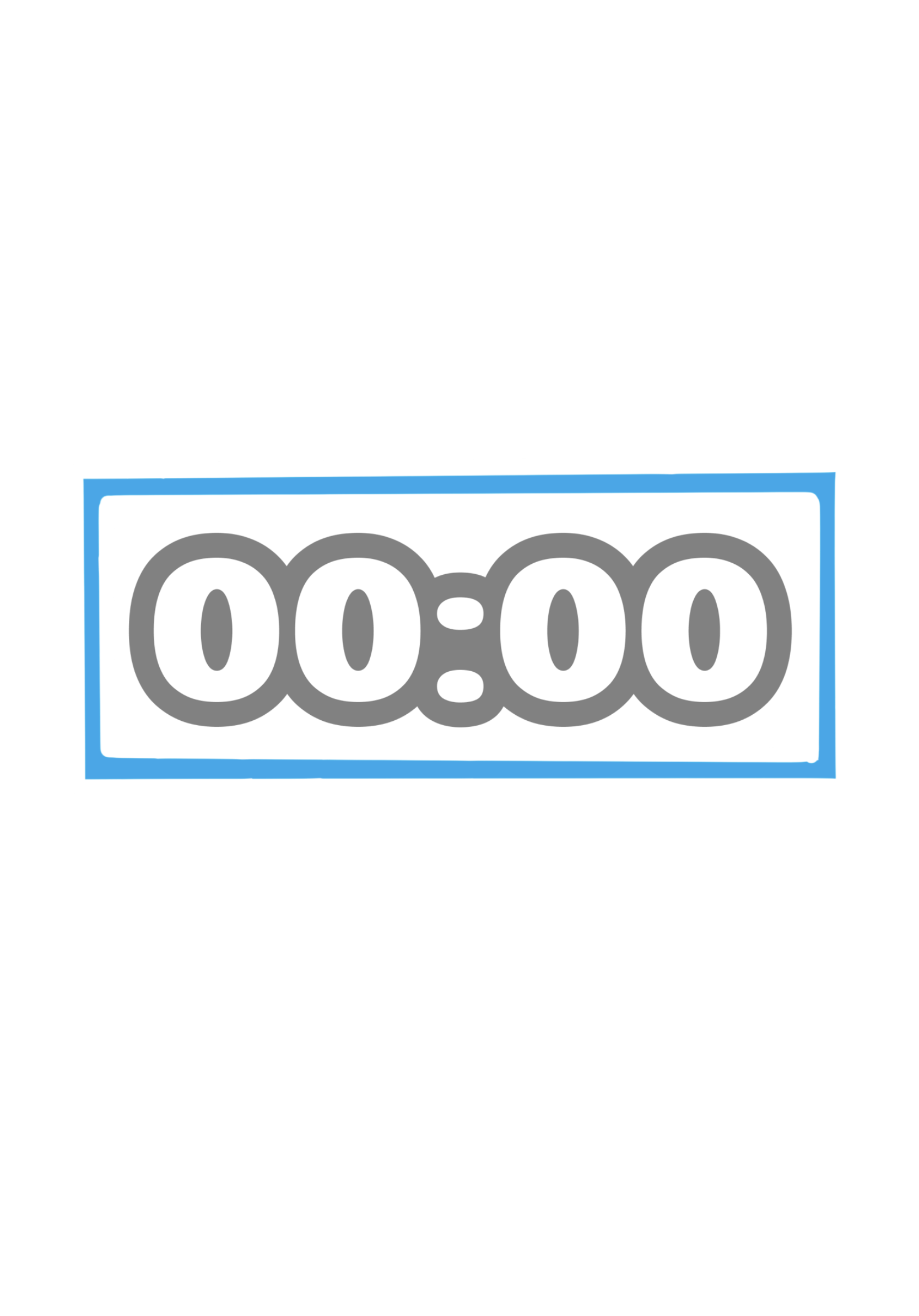
Round clock: implemented in‑game time UI with clear countdown and end‑round cue.
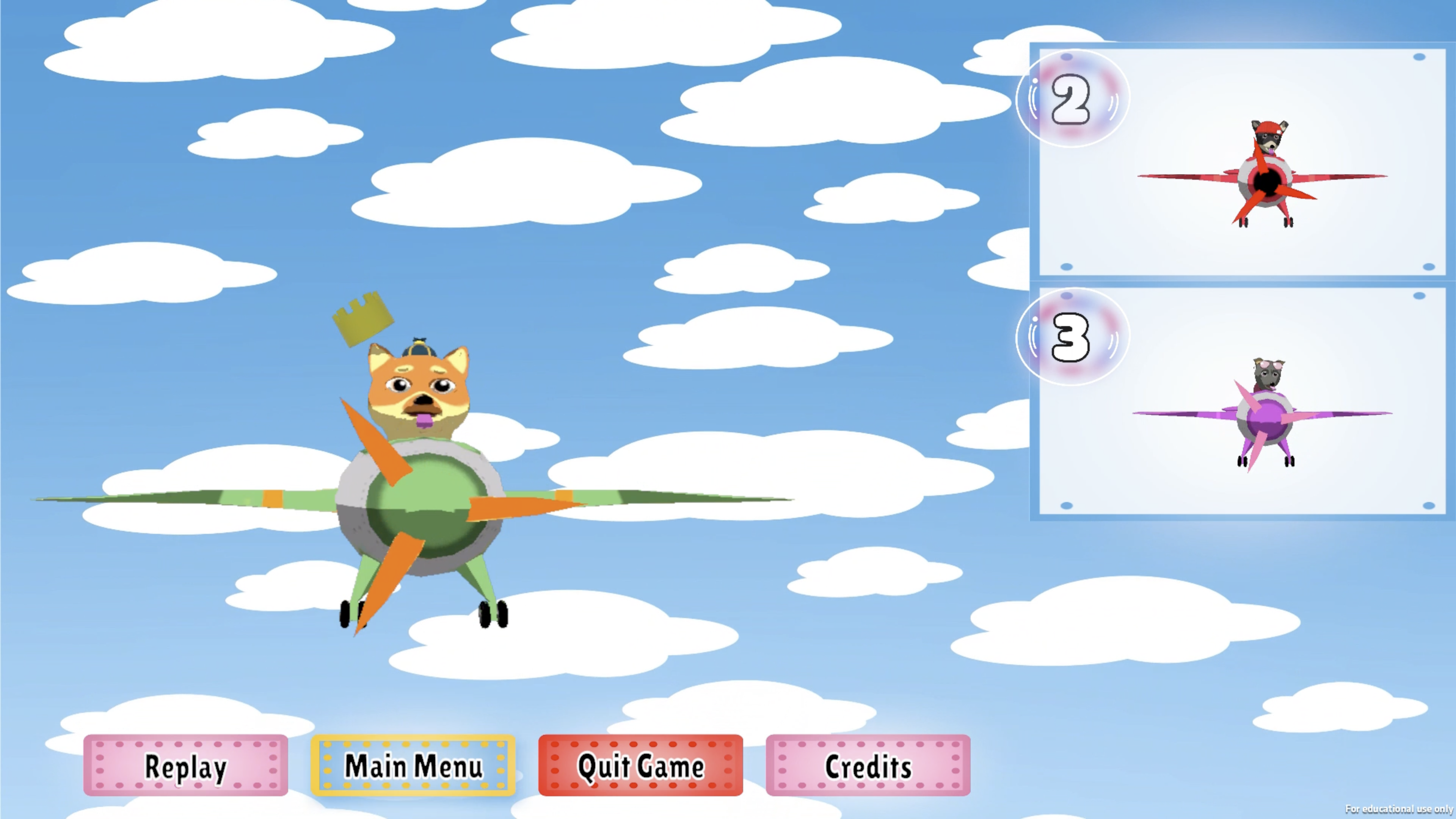
Explains “why I won/lost” in ≤15s.
Screens & Menus
Start Screen: Animated background; Start/Menu/Quit buttons with correct anchors & pivots for all screen sizes.
Audio Settings: 2D art for switches & volume sliders; full settings page integrated into menus.
Character Selection: Animated 2D buttons, controller navigation, 4‑player support, inverted/non‑inverted options, ready‑to‑play state.
Pause Menu: Implemented predictable focus/back behavior; no dead‑ends.
Win Screen: Dog dancing animation; end‑round clarity on victory conditions.
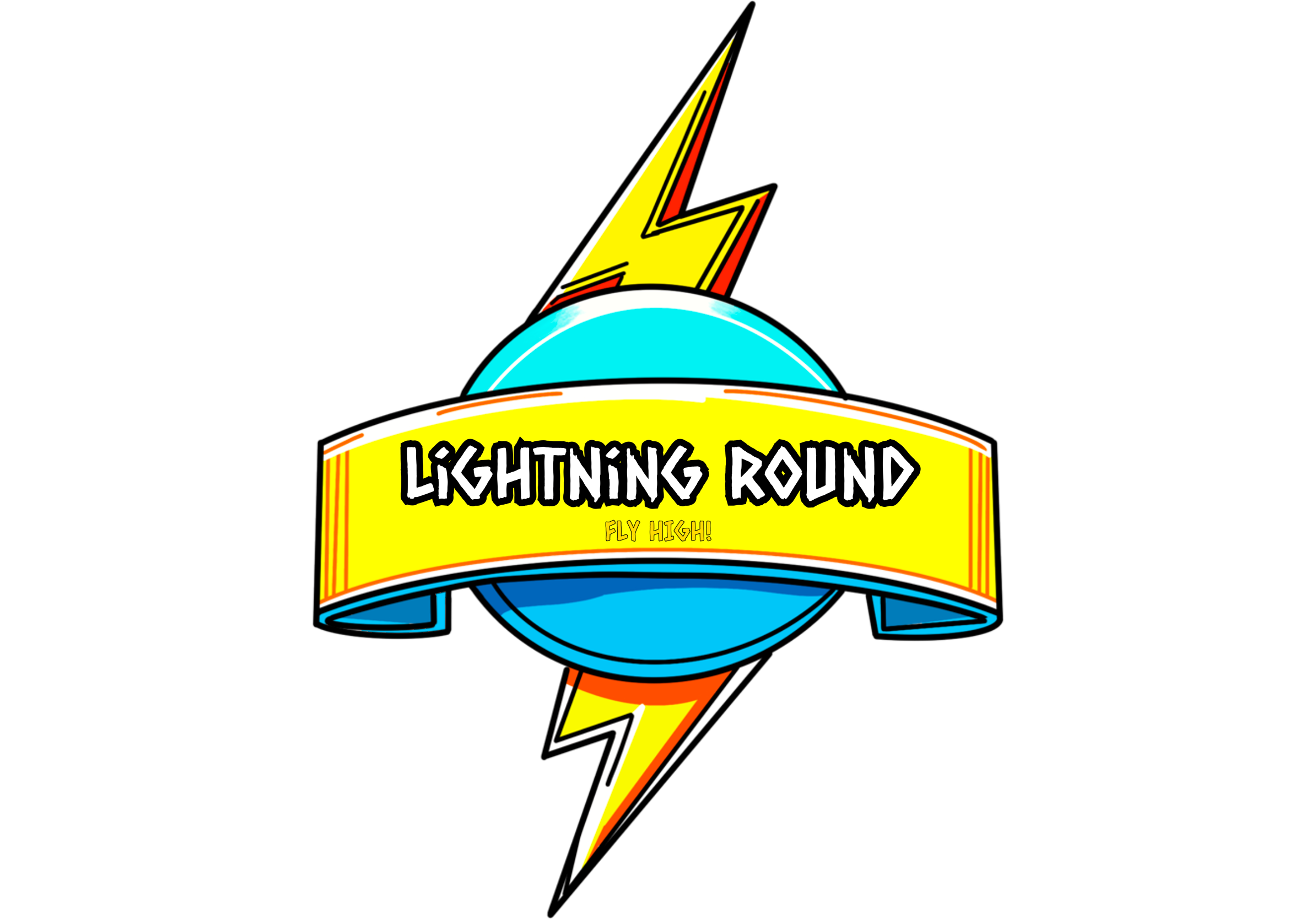
Lightning Round: Art & UI for faster pacing moments.
Wireframes & Flow

Wireframe sequence: Main Menu → Character Select → Start Game. Anchors/pivots verified for multiple aspect ratios.
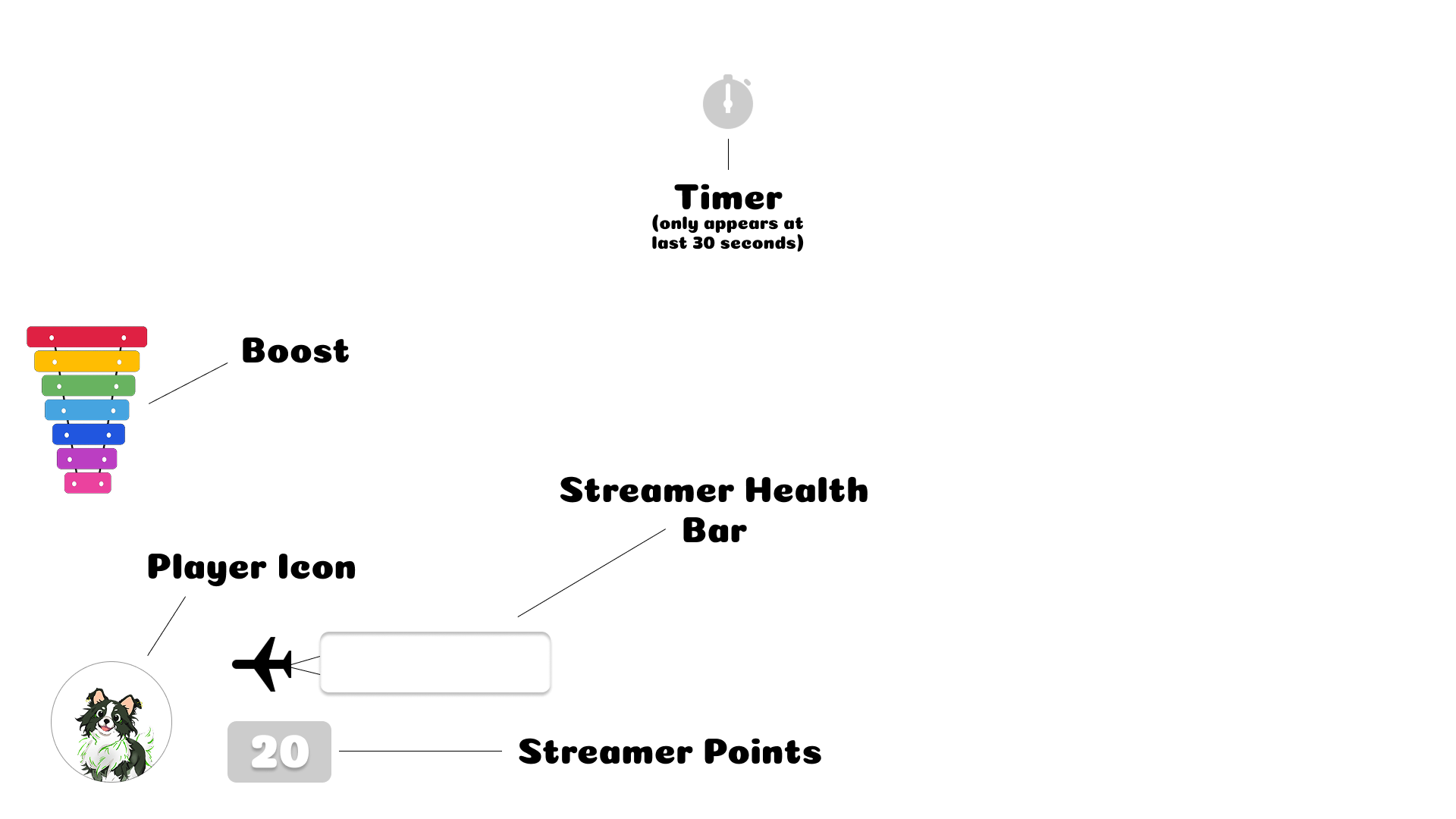
HUD wireframe: Boost bone, Sausage score, Rival indicator, Timer across 4 quadrants.
Animation & 2D Art
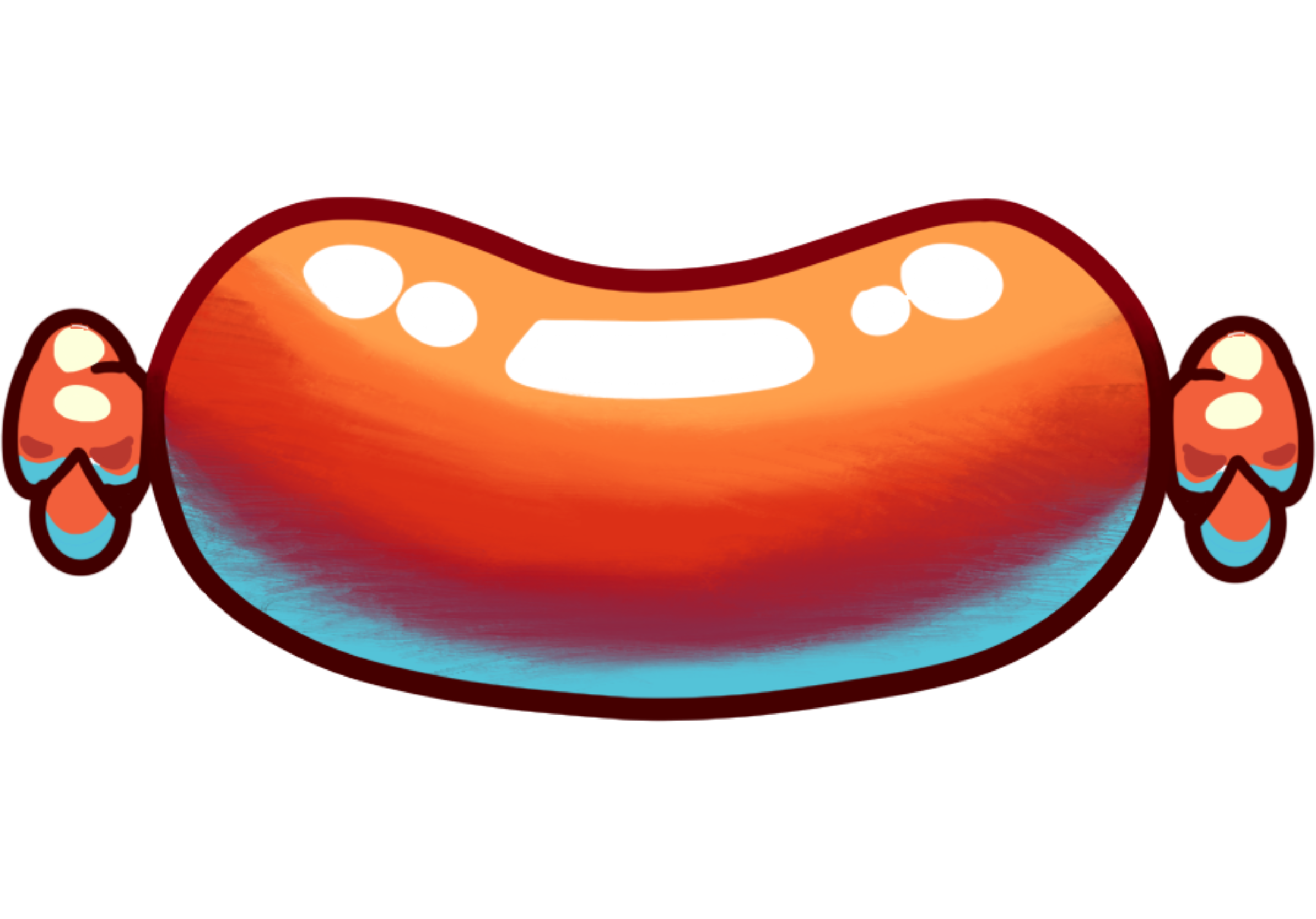
Sausage: Art + Gain/loss animation + UI tick for cutting; readable at split‑screen scale.

Lightree animation: Environmental light/tree effect used to signal pacing (Lightning/Lightree pass).
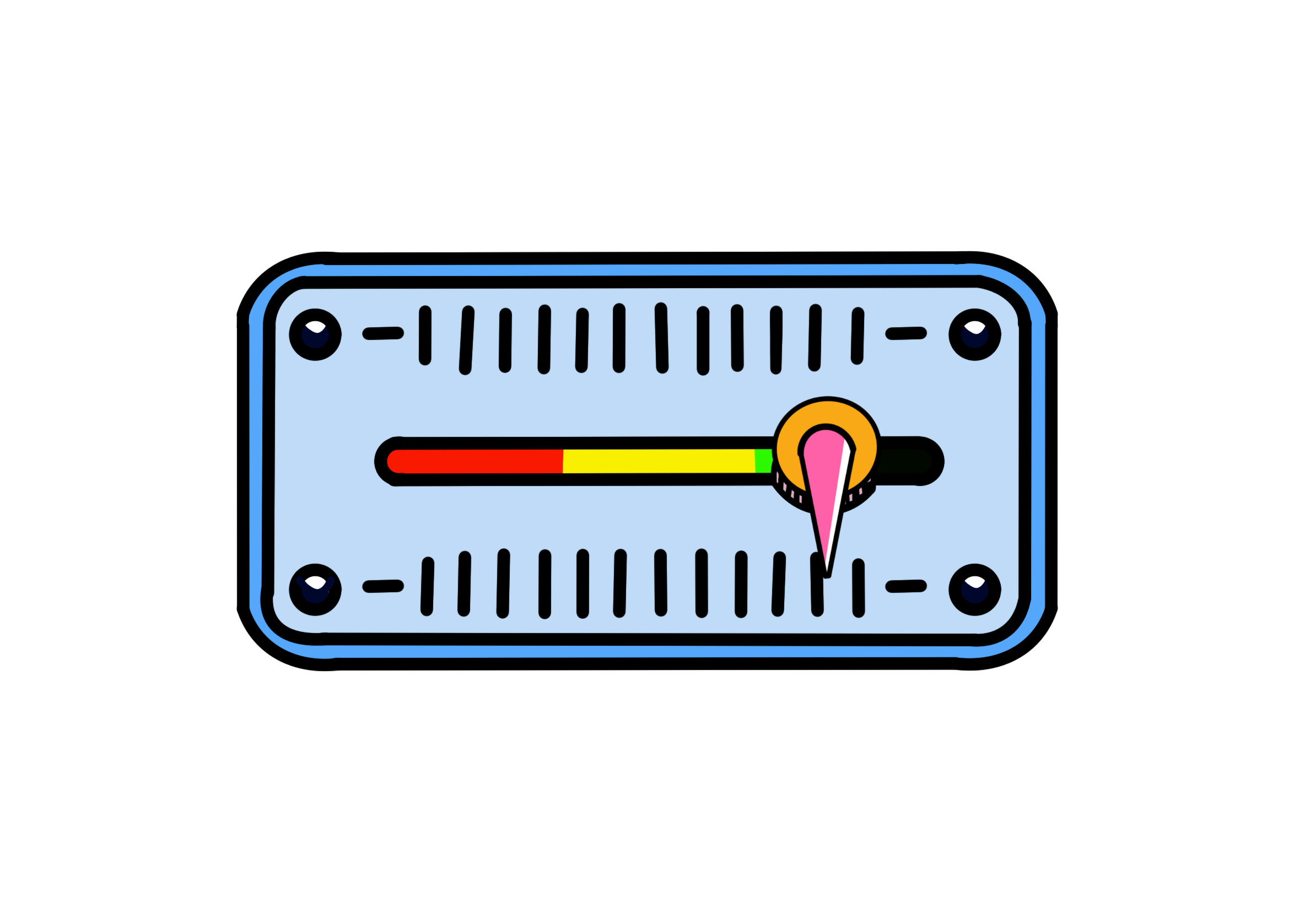
Sliders: 2D art + interactive volume sliders; consistent states (default/hover/pressed/disabled).

Switches: 2D toggle components designed for legibility; anchors/pivots tested on multiple aspect ratios.
Dog facial animation: Unity animation for faces/tongues; playful feedback aligned with tone.

Dog paw: Reward icon for completing rounds; used in onboarding and end‑round FX.
Implementation (Unity)
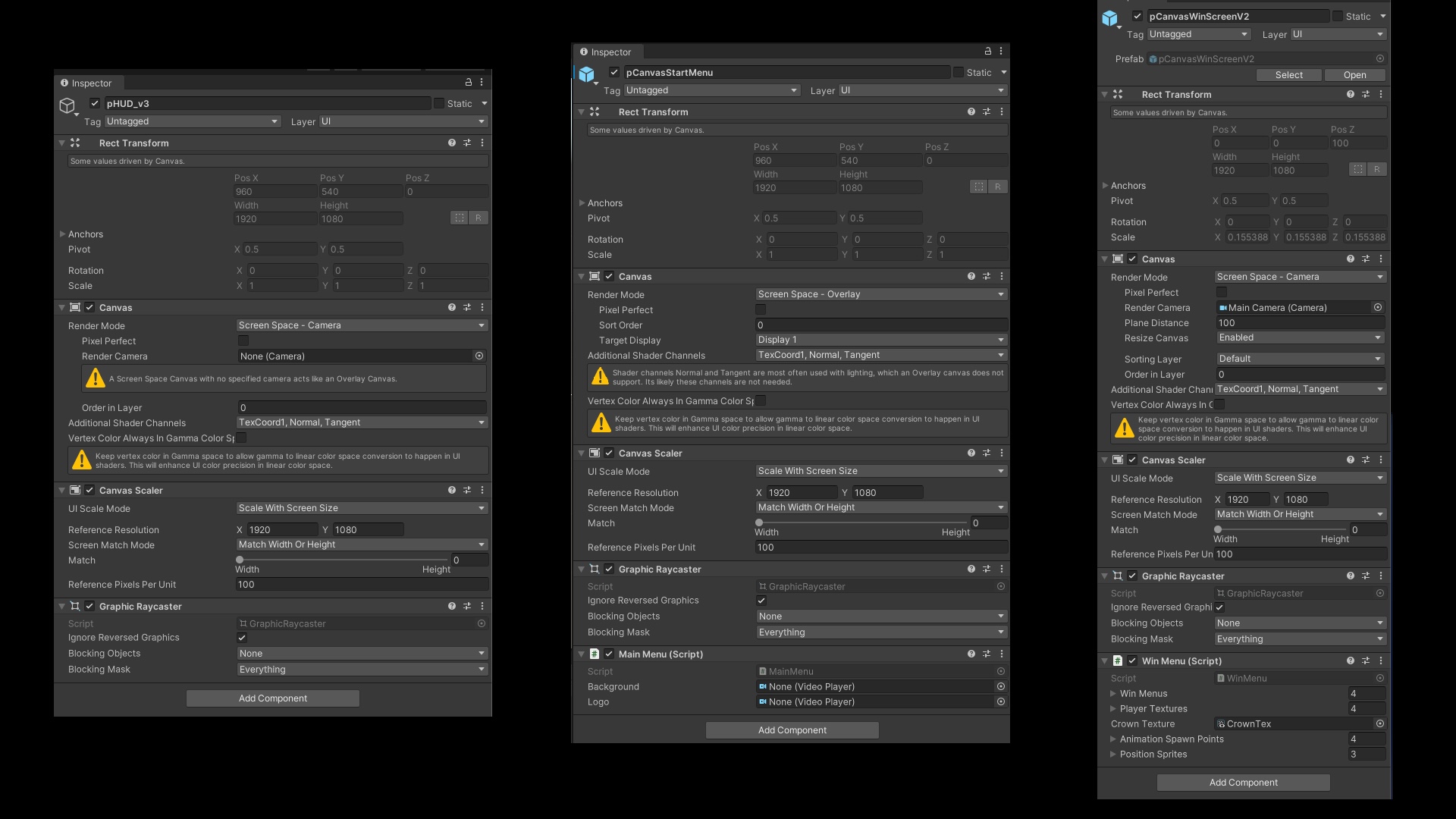
Canvas: Screen Space — Overlay; reference res 1920×1080; Scale With Screen Size (match 0.5).
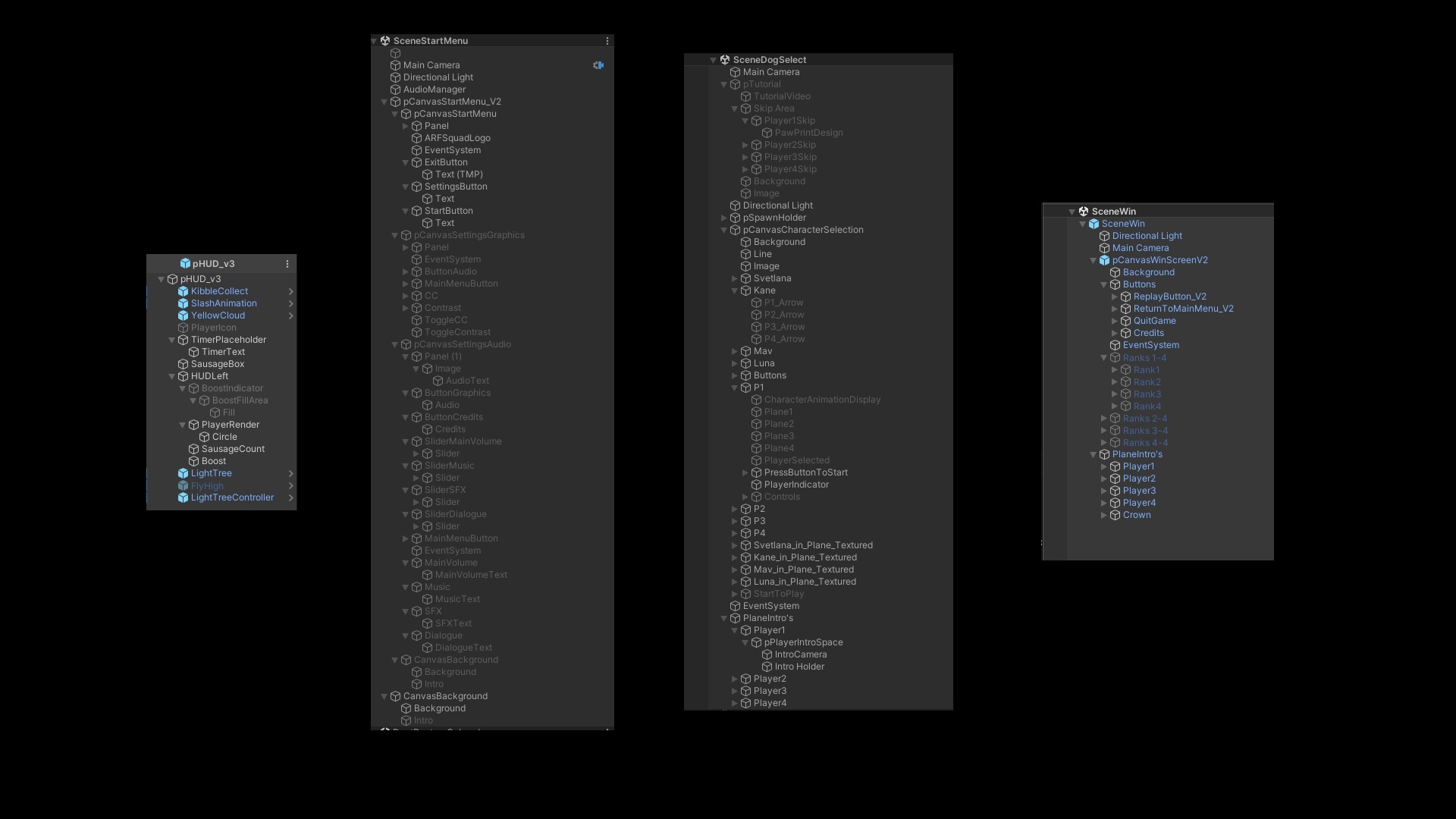
Prefabs: HUD_Root → ScoreWidget · SausageMeter · BoostMeter · Reticle.
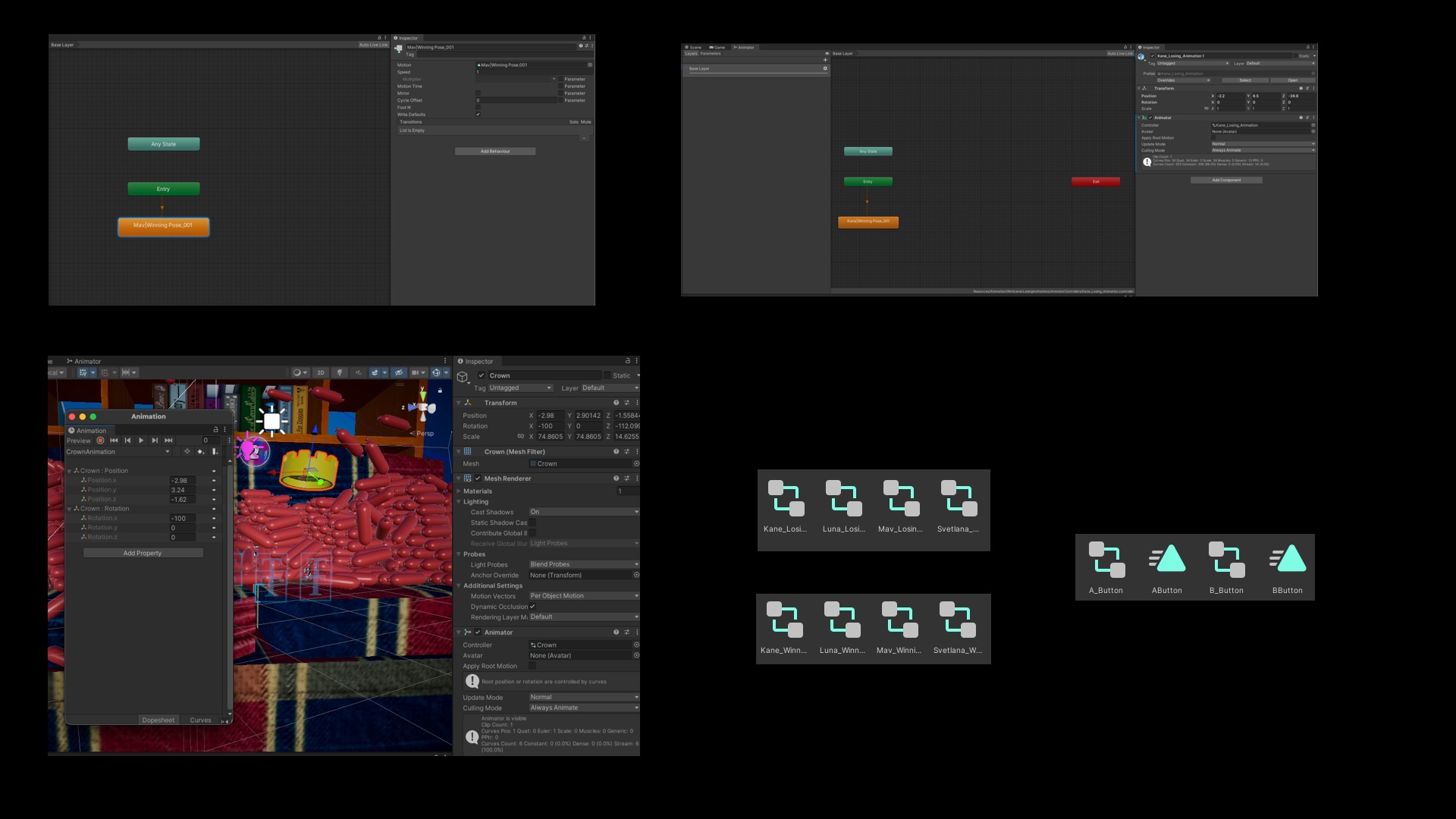
Animator/state graph for Boost (Ready/Cooldown), Score tick, Focus.
Key Systems Implemented
- Menus & Canvases — Start/Menu/Quit, Audio settings, Pause; anchors/pivots for all screen sizes.
- Unity Input System — controller mapping, 4‑player support, reliable confirm/cancel and navigation.
- HUD — Boost meter, Sausage score, Rival indicator (world‑space), Round clock.
- Animation — Dog faces/tongues; gain/loss sausage animation; animated 2D buttons.
Gameplay Links
- Score/End‑round — updates scoreboard; clear results screen.
- Boost & Pickups — Boost fuel/cooldown; Kibble pickups refill; world feedback.
- Lightning Round — visual & UI cues for pacing shift.
Onboarding Flow
Join‑in → character select → tutorial overlay → “3, 2, 1 — fly high!”.
Development progress (1→3→6 months → final): a single stitched MP4 showing the evolution of handling, HUD readability, menu flows, and overall polish across milestones.
Results & Next
What improved
- Faster first‑cut execution and intentional boost usage.
- No controller focus traps; predictable back paths.
- HUD readability holds during high‑motion moments.
Next sprint (if extended)
- Color‑blind safe palettes & accessibility toggle.
- Telemetry: time‑in‑lead, encounter frequency, boost uptime.
- Assist options & tuned haptics; reticle A/B test.
All clips loop silently for quick scanning; ping me for source files or deeper Unity breakdowns.